To install the web part on your website for the SharePoint Modern Experience, then you are in the right place. 😉
-
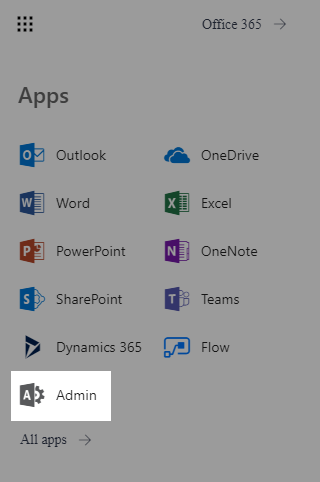
Login on your admin center page with an administrator account and select Admin;
-
Open the SharePoint Admin Center;

-
On the left pane, click on apps and then App Catalog;
-
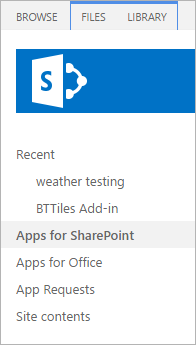
On the left pane, click on Apps for SharePoint;
-
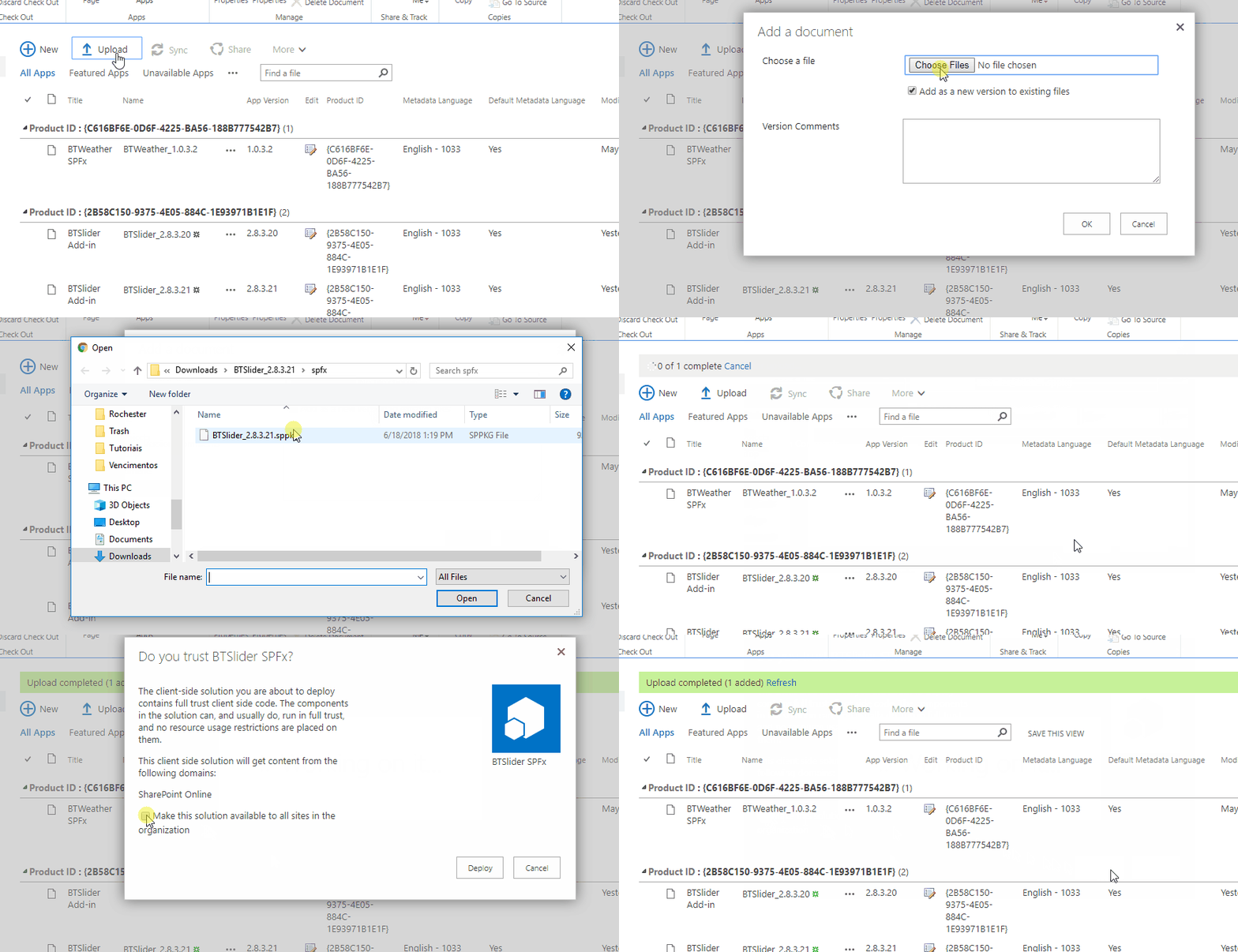
Now click on Upload and select the .sppkg file that's inside the spfx folder in your web part package.
-
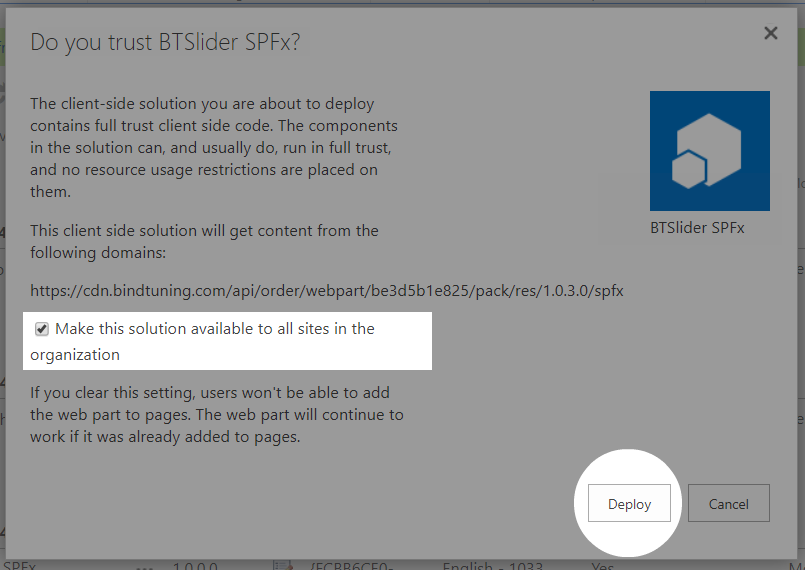
Finally, on the pop up that appears, tick the checkbox Make this solution available to all sites in the organization and click Deploy;
And that's it! The web part is now installed.